CIROH Hub
Hydrologic Science Research Data and Products
Research data, software, tools, documentation, and other resources of the NOAA-supported Cooperative Institute for Research to Operations in Hydrology.
CIROH Hub is the new home for content from CIROH Portal and DocuHub.

What's New
Catch up on the latest blog posts, community news, and documentation updates
 Latest Blog
NGIAB & CIROH Cyberinfrastructure Power Flash Flood Research at the 2026 Summer Institute
Ten graduate students had seven weeks to bring sub-hourly radar rainfall, precipitation uncertainty, and ensemble forecasting into the NextGen framework. Here's how NGIAB and CIROH cyberinfrastructure carried the load.
Read the post → Community News
Community Updates from across the CIROH network
Stay connected with the latest developments in CIROH community water modeling — breakthroughs, releases, and opportunities curated from across our community of practice.
See the news hub → New Documentation
August 2026 Release Notes
The newest CIROH Hub release rounds up fresh documentation, new tutorials, product updates, and infrastructure changes shipped this month.
View release notes →Explore CIROH
Discover our comprehensive suite of tools and services
Key Highlights

Documentation
Dive into our comprehensive documentation to access in-depth information about various CIROH products, including but not limited to NextGen, Snow model, Tethys, and more.
Learn More →
Cloud Services
Explore our array of cloud services and offerings, where you can delve into the specifics of CIROH-AWS cloud. Learn how to gain access to this cloud infrastructure and uncover insights into working seamlessly with the 2i2c cloud services.
Learn More →
Policies
Discover recommendations and best practices for CIROH's research, projects, and infrastructure.
Learn More →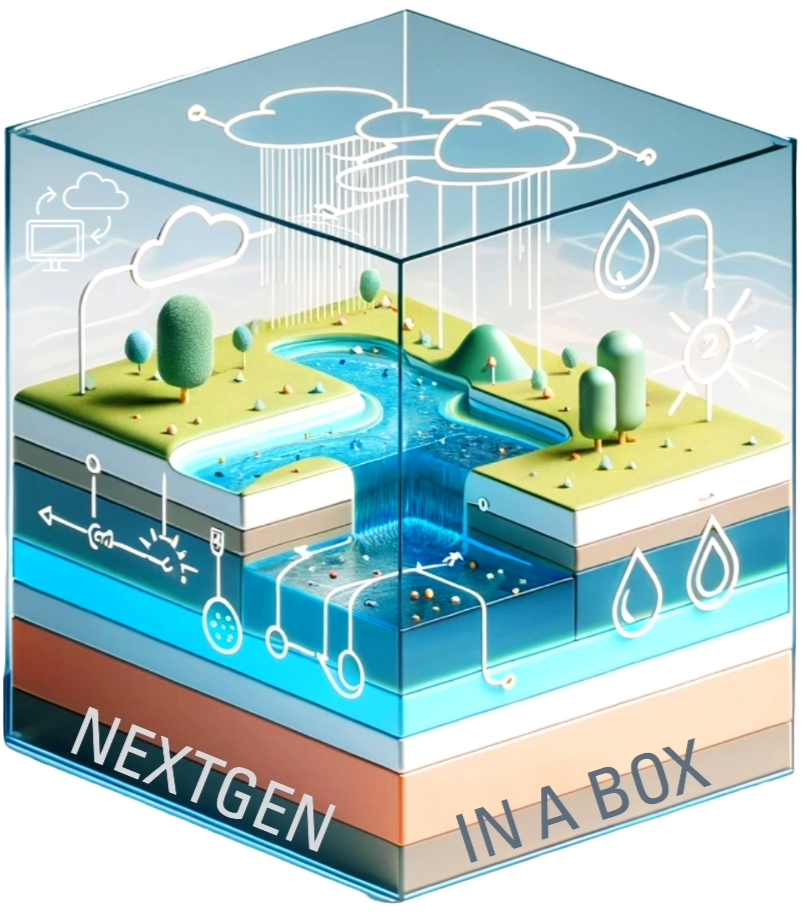
NextGen In A Box
Utilize NextGen In A Box (NGIAB) to locally run NextGen framework. Choose specific regions or basins for analysis, control input data, and modify confiurations, all within a containerized environment.
Learn More →
AWS
Leverage the power of CIROH AWS Account to elevate your hydrological research. Get access to enterprise-level AWS cloud platform, and utilize AWS computing resources and scalable storage for your research.
Learn More →
Google Cloud
Explore different services and tools offered by CIROH Google Cloud. Learn how to access Google Cloud Platform (GCP) and leverage its resources for your research and projects.
Learn More →
CIROH-2i2c JupyterHub
Access cloud-based JupyterHub environment on Google Cloud tailored for hydrological research. Leverage computing power with both CPU and GPU capabilities for advanced computational needs.
Learn More →
Pantarhei
Access Pantarhei, a high-performance computing (HPC) cluster, to run computationally intensive hydrological models. Utilize Pantarhei to perform large-scale simulations and data processing tasks.
Learn More →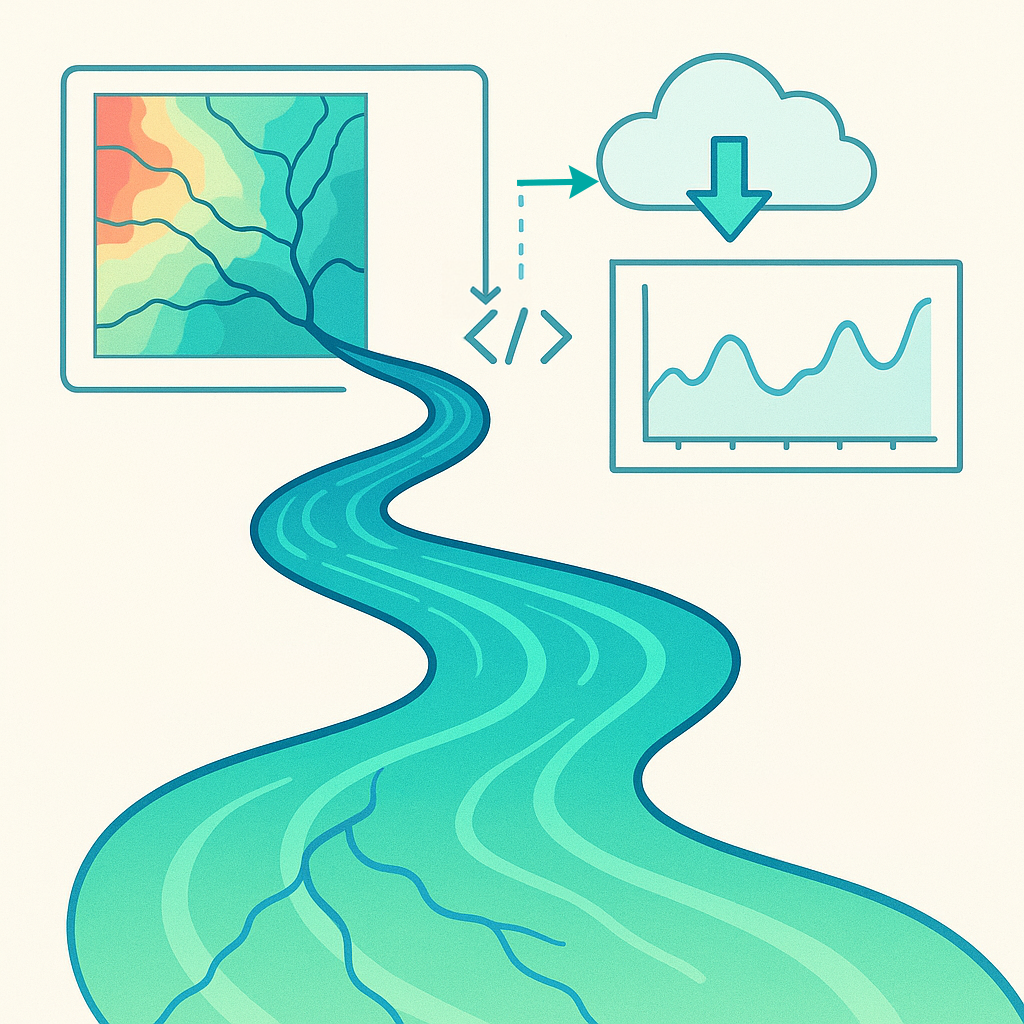
NRDS
An archive of daily NextGen-based hydrologic simulations living entirely in AWS. NRDS democratizes forcings, outputs, and configurations so the community can iterate, validate, and operationalize better streamflow predictions.
Learn More →CIROH's Research
The CIROH community's research advances hydrological science through innovation, collaboration, and technology development.
CIROH R2OHC
CIROH's rich ecosystem of cloud-based and on-premises services empowers researchers to expand the capabilities of water modeling and forecasting.
CIROH Hub Leads

Dan Ames
Professor


Arpita Patel
Assistant Director of DevOps and IT


Purushotham Bangalore
James R. Cudworth Professor
CIROH Hub Team

Manjila Singh
Graduate Research Assistant
Nia Minor
Graduate Research Assistant

Prajwal Halalae
Undergraduate Research Intern

Giovanni Romero
HydroInfomatics Engineer
James Dolinar
Software Engineer

Nathan Swain
Project Engineer
Contribute
We welcome CIROH Consortium members to contribute to the CIROH Hub. Add documentation, tutorials, workflows, or conference presentations. The CIROH Hub serves as a shared platform for distributing expertise across the community. Learn how you can contribute and access CIROH's resource and documentation repositories below.
Your Input Matters.
User Comments
Patrick Clemins
April 2025
"CIROH DocuHub allows us at the University of Vermont's NETWA (Northeast Evaluation Testbed for Water Resources Applications) to effectively engage with our community by providing a listing of our services, documentation for how to use them, and an introductory "How to Get Started " page. It also allows us to share our progress and stay engaged with the broader CIROH community so that we can grow our impact as others discover and use our products and services."
James Halgren
April 2025
"Having a community editable common place for sharing code, data resources, and community guidance was one of the critical first steps to being able to gather a community for operational hydrological modeling. CIROH DocuHub has begun to fill that gap. I am excited to see it growing and hope it becomes a valuable resource for the CIROH researchers and broader community."
Supath Dhital
April 2025
"CIROH DocuHub has transformed my research process. I discovered several hydrological frameworks I wasn't previously aware of when searching for specific tools. The platform not only helps me learn from others' work, but also provides a professional space to document and publish my own research findings. When colleagues ask for my work, sharing a CIROH DocuHub link adds credibility and enhances collaboration. It's become an essential tool in my research workflow. "
Gio
April 2025
"What I like the most about using CIROH DocuHub is that it is easy to contribute to the documentation when I update or want to add my research work. Also, I like the idea that I can contribute with blogs and tutorials depending on the needs of the community."
Dr. Shahab Alam
April 2025
"CIROH DocuHub plays a vital role in supporting researchers by providing a centralized, accessible platform to share tools, documentation, and applications with the broader hydrologic science and forecasting community. Research tools such as the CSES and its Tethys-CSES web app reside on CIROH DocuHub, enhancing their visibility and usability. This platform bridges research and practice through transparency and open access, amplifying collaborative impact across the community."
Quinn Lee
April 2025
"I frequently use CIROH DocuHub to access documentation and best practices for the computing infrastructure I use for my research."

Community NextGen Monthly Office Hours
Advancing hydrological science through innovation, collaboration, and technology development.